
Mastering Your Wi-Fi: How to Banish Dead Zones and Boost Your Home Network
Is your home plagued by sluggish internet, dropped connections, or Wi-Fi “dead zones” where signals just won’t reach? You’re not alone. In today’s connected world, a reliable Wi-Fi network is essential. This article will guide you through common issues and offer practical solutions to improve your home Wi-Fi, ensuring smooth streaming, seamless online gaming, and consistent productivity across all your devices.
Understanding Wi-Fi Weaknesses
Before optimizing, it’s crucial to understand why your Wi-Fi might be underperforming. Common culprits include router placement, physical obstacles like thick walls or large appliances, interference from other electronics (cordless phones, microwaves), and simply an outdated router. Think of your Wi-Fi signal like sound – it diminishes and gets blocked easily. Identifying the source of the problem is the first step to finding a solution.
Strategic Router Placement: The Golden Rule
The single most impactful change you can make is intelligent router placement. Your router should ideally be in a central location, elevated off the floor, and away from obstructions. Avoid placing it inside cabinets, behind large TVs, or near concrete walls. A good rule of thumb is to place it where most of your internet activity happens, minimizing the distance the signal needs to travel. For multi-story homes, a middle floor is often best. Experiment with small shifts in position; sometimes even a few feet can make a big difference.
Beyond Placement: Expanding Your Coverage
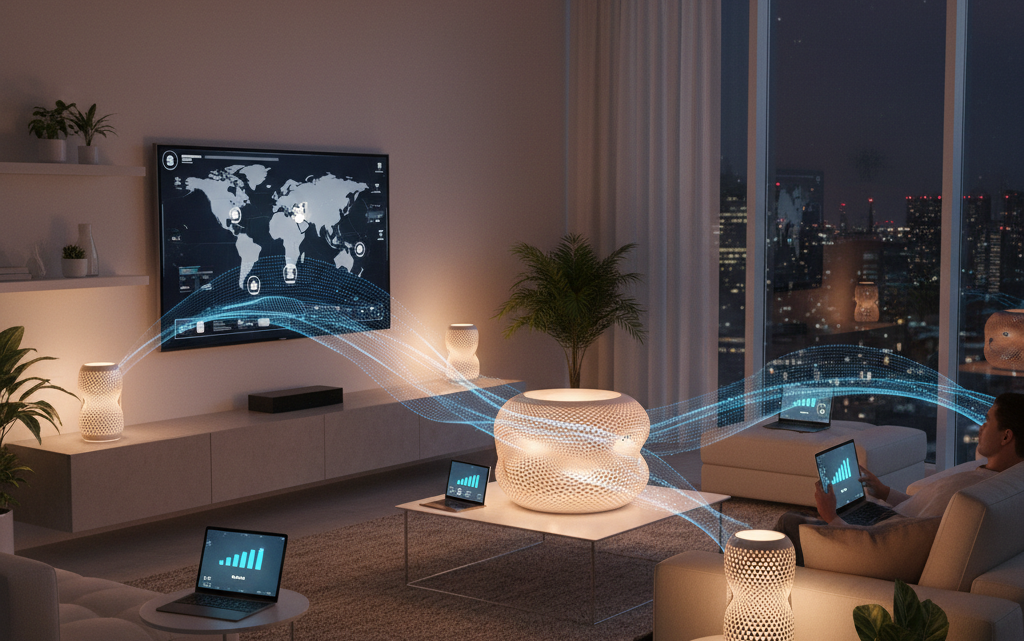
If optimal placement isn’t enough, consider network extenders or mesh Wi-Fi systems. Wi-Fi extenders (or repeaters) capture your existing Wi-Fi signal and re-broadcast it, extending its reach. However, they can sometimes halve your speed. Mesh Wi-Fi systems, on the other hand, use multiple interconnected “nodes” to create a single, unified Wi-Fi network that seamlessly covers your entire home without significant speed loss. While a larger initial investment, mesh systems are a superior solution for larger homes or those with multiple dead zones, offering robust and consistent coverage. A helpful tip: when setting up an extender, ensure it’s placed roughly halfway between your router and the dead zone for best results, not directly in the dead zone itself.
Minimizing Interference and Other Tips
Wireless signals from other devices can interfere with your Wi-Fi. Try to keep your router away from microwaves, cordless phone bases, and even baby monitors. If your router supports it, consider using the 5GHz Wi-Fi band for devices closer to the router, as it’s faster and less prone to interference, reserving the 2.4GHz band for more distant devices or older gadgets. Also, regularly restart your router; a simple reboot can often clear minor glitches and improve performance. Finally, ensure your router’s firmware is up to date – manufacturers frequently release updates that improve performance and security. Understanding these basic principles and applying these practical tips will significantly enhance your daily internet experience, transforming your home into a truly connected space.